
Top 10 Cropping Websites for Fast Online Image Editing
There is no single crop tool that fits every workflow. Some websites focus on fast one purpose cropping, while others include cropping inside broader design, social, ecommerce, or editing suites. This list highlights ten popular browser based options and the features they are best known for.
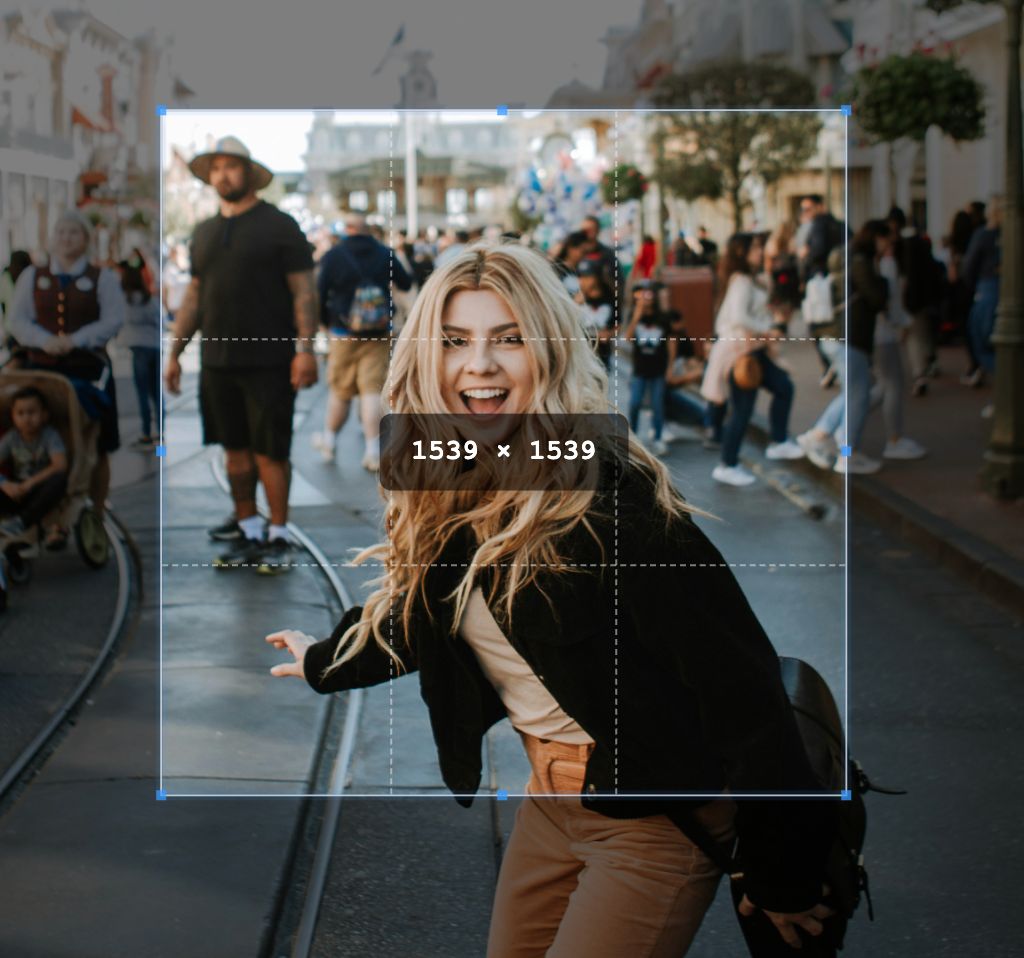
How This List Is Framed
This is a practical roundup, not a lab benchmark. The order reflects overall usefulness for online cropping workflows, and each entry focuses on what the website is commonly used for, the cropping features it offers, and the type of user it tends to suit.
What We Looked At
- Crop options: freeform crop, fixed ratios, preset sizes, and social media formats
- Workflow: whether the website is focused on quick cropping or part of a larger editing suite
- Audience: casual users, content teams, ecommerce sellers, or advanced editors
- Popularity: how widely known or commonly used the platform is in online editing workflows
Top 10 Cropping Websites
1. CropForMe
CropForMe is a focused browser based image editing website built around quick crop related tasks. It is useful for people who want dedicated crop tools instead of a full design workspace.
- Popular for: users who want direct cropping tools without templates or design layer complexity
- Key features: freeform crop, aspect ratio presets, square crop, circle crop, custom crop, PDF crop, and other related image editing tools
- Notable workflow: most CropForMe crop tools support bulk processing, which is useful when preparing batches of photos for listings, uploads, or content libraries
- Privacy angle: edits are handled in a browser based workflow, which is useful for users who prefer not to install desktop software for routine cropping jobs
If the goal is to crop multiple files quickly, switch between common ratios, and stay inside a simple web workflow, CropForMe is a strong fit.
2. Canva
Canva is one of the most widely used browser based design platforms. Cropping is built into its larger template and publishing workflow, so it is often used by marketers, small businesses, and social media teams.
- Popular for: social graphics, presentations, ads, and branded content
- Key features: drag and drop crop, preset social sizes, frame based layouts, and resizing inside design canvases
- Best fit: users who want cropping as one step inside a larger design project
3. Adobe Express
Adobe Express is a popular web editor from Adobe that combines simple crop tools with branded templates and quick actions. It is often chosen by users who already recognize Adobe products and want a lighter browser workflow.
- Popular for: branded social posts, flyers, and quick image edits
- Key features: image crop presets, resize options, background tools, and integration with broader Adobe ecosystems
- Best fit: users who want a familiar brand with crop plus lightweight content creation tools
4. iLoveIMG
iLoveIMG is a well known utility style website for simple image tasks. It is especially popular with users who want straightforward tools without the feel of a full creative suite.
- Popular for: fast browser utilities such as crop, resize, compress, and convert
- Key features: image crop, resizing, format conversion, and other task specific tools in one place
- Best fit: users who prefer a simple toolbox interface for everyday image prep
5. Pixlr
Pixlr remains a popular browser based photo editor for users who want more control than a basic crop page. Its editor is broader than a crop only tool, but it still handles cropping well inside a more visual editing experience.
- Popular for: lightweight photo editing with more creative controls than a utility site
- Key features: crop tools, ratio presets, layers in some modes, filters, and quick touch up options
- Best fit: users who want cropping plus extra editor style controls without opening desktop software
6. Fotor
Fotor is a widely recognized online photo editor that combines crop tools with templates, filters, and enhancement features. It is commonly used by casual creators and small teams preparing polished visuals quickly.
- Popular for: fast photo polish, marketing visuals, and social media graphics
- Key features: crop presets, collage tools, retouching, filters, and design templates
- Best fit: users who want crop plus enhancement features in one website
7. Pixelcut
Pixelcut is especially visible in ecommerce and product image workflows. While it is often associated with background removal, it also includes cropping and canvas tools for marketplace and content formats.
- Popular for: product photos, online store assets, and marketplace ready content
- Key features: crop and resize options, product focused templates, background tools, and content generation features
- Best fit: sellers and creators working on store listings and promotional assets
8. Picsart
Picsart is a very popular creative editing platform with a strong mobile audience and a browser presence. Cropping is only one part of a much broader creative toolkit.
- Popular for: social content, filters, stickers, and creator oriented edits
- Key features: free crop, preset ratios, visual effects, stickers, text, and collage style editing
- Best fit: users who want expressive social content tools beyond basic cropping
9. Kapwing
Kapwing is well known among online content teams, especially for video and social publishing workflows. Its crop tools work across images and other media inside a collaborative browser environment.
- Popular for: social media content, video editing, and collaborative web based production
- Key features: crop and canvas resizing, subtitle tools, timeline editing, and team friendly browser workflows
- Best fit: users who need cropping as part of a content production pipeline rather than a standalone task
10. Photopea
Photopea is a popular browser based editor among advanced users who want a desktop style interface online. It is not a simple crop website, but it is often chosen when cropping needs to happen alongside layers, selections, and more detailed editing.
- Popular for: advanced browser editing with PSD style workflows
- Key features: crop tool, layered editing, selection tools, masks, and support for more complex file handling
- Best fit: users who need precision editing and are comfortable with a more complex interface
Quick Comparison Table
| Website | Commonly Known For | Crop Workflow Style |
|---|---|---|
| CropForMe | Focused image crop tools and bulk workflows | Dedicated crop first workflow |
| Canva | Templates and social content creation | Crop inside design projects |
| Adobe Express | Quick branded content creation | Crop plus light creative editing |
| iLoveIMG | Simple image utility tools | Task based utility workflow |
| Pixlr | Browser photo editing | Crop inside editor workflow |
| Fotor | Photo enhancement and templates | Crop plus visual polish |
| Pixelcut | Ecommerce and product content | Crop for listings and social assets |
| Picsart | Creator focused editing | Crop inside creative editing flow |
| Kapwing | Collaborative content production | Crop inside media workflow |
| Photopea | Advanced browser editing | Precision crop inside layered editor |
Which Type of Crop Website Is Best?
If you mostly need quick ratio based crops, bulk uploads, and a direct browser workflow, a focused crop tool is usually faster than a full design suite. If you are creating ads, social graphics, or branded posts, broader editors like Canva or Adobe Express can make more sense because cropping is only one step in the process.
Advanced editors such as Photopea fit users who want more manual control, while utility websites like iLoveIMG work well for simple production tasks. The best choice depends less on the brand name and more on whether you want speed, templates, collaboration, or detailed editing controls.
Need a Fast Crop First Workflow?
Use CropForMe to crop one image or a batch of files online with aspect ratio presets and dedicated crop tools.
Open Crop Tools