
Top 5 RedKetchup Alternatives for Online Image Tools
RedKetchup is a familiar browser utility hub with a long menu of small image tools. It works well for quick jobs, but many users still look for an alternative when they want a cleaner interface, more crop control, or a workflow that fits a specific task better. This list covers five practical alternatives.
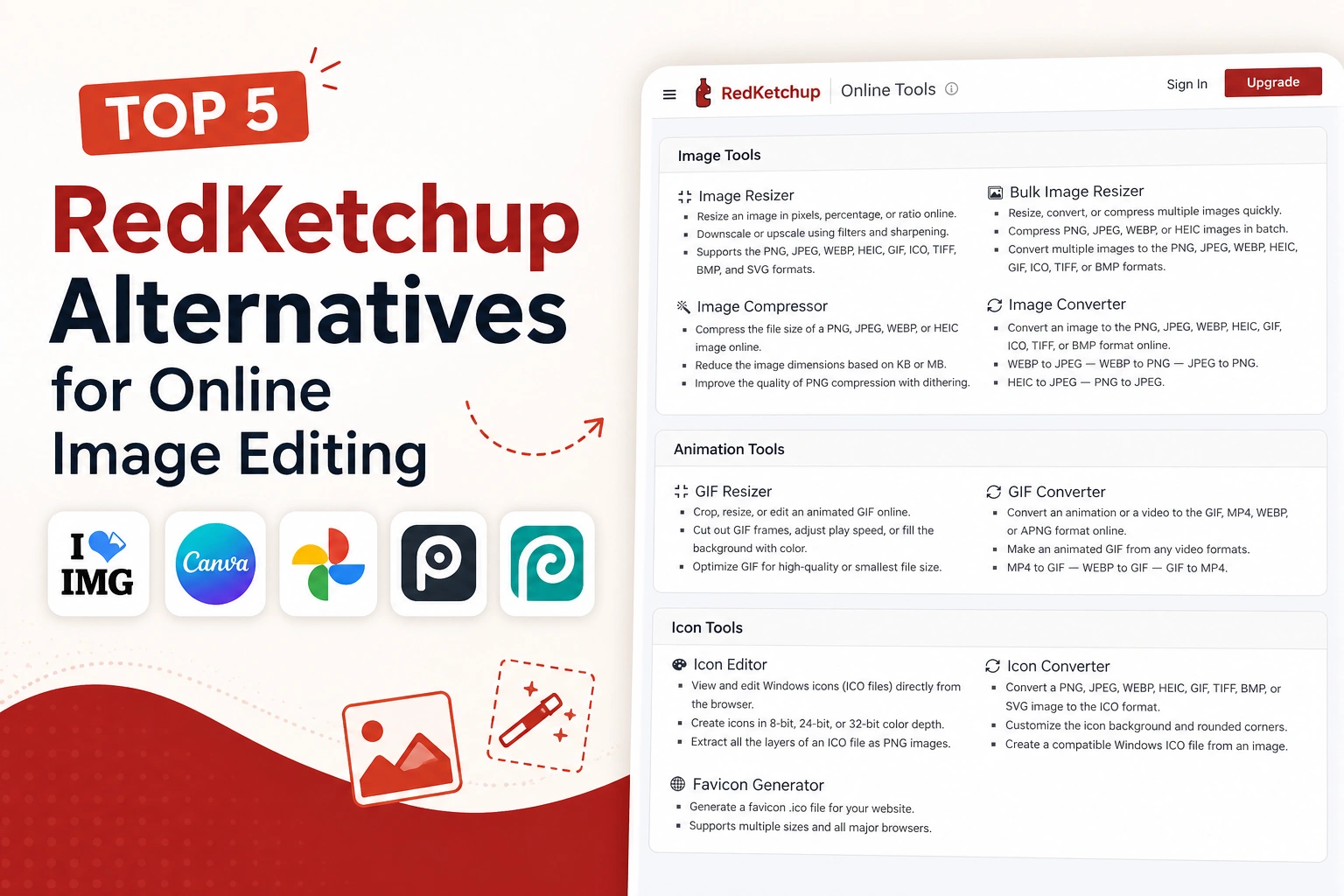
Why Look for a RedKetchup Alternative
RedKetchup keeps many tools on one page, which is convenient but can also feel cluttered. Users often look elsewhere when they want a faster crop tool, a focused resizer, a wider converter, or a more modern editing experience. The five alternatives below cover those gaps in different ways.
What We Looked At
- Tool focus: single purpose pages versus broad utility menus
- Workflow: one off edits versus bulk processing
- Audience: casual users, content creators, and ecommerce sellers
- Browser experience: how clean and distraction free the website feels
Top 5 RedKetchup Alternatives
1. iLoveIMG
iLoveIMG is one of the most widely used utility style websites for simple image tasks. Compared to RedKetchup, it tends to feel a bit cleaner and more focused, while still covering the everyday basics.
- Popular for: simple browser utilities for crop, resize, compress, and convert
- Key features: image crop, resizing, format conversion, watermarking, and other task specific tools
- Best fit: users who want a familiar utility hub with a slightly more polished interface
2. Img2Go
Img2Go is a long running browser tool that covers a wide range of image and document tasks. It is often picked when format flexibility is more important than design polish.
- Popular for: format conversion and broad utility coverage
- Key features: image converter for many formats, resize, crop, rotate, and basic effects
- Best fit: users who often switch between formats such as JPG, PNG, WEBP, HEIC, or PDF based exports
3. Croppola
Croppola is a focused web tool that helps with cropping images, especially when the user is unsure about composition. It tries to suggest visually balanced crops automatically while still allowing manual control.
- Popular for: automatic crop suggestions and quick manual cropping
- Key features: automatic cropping, ratio presets, manual adjustment, and simple downloads
- Best fit: users who want help framing photos without opening a full editor
4. Imagy
Imagy is a more modern looking web app that combines several image tools in a clean, app style interface. It feels different from older utility hubs and focuses on a smoother browser experience.
- Popular for: a modern, app style interface for everyday image tasks
- Key features: resize, crop, compression, format conversion, and other quick tools in one place
- Best fit: users who prefer a cleaner, more contemporary feel over older utility websites
5. CropForMe
CropForMe is a focused browser based image editing website built around crop first workflows and related image tasks. Compared to a general utility hub, it is built specifically for users whose main job is preparing and cropping images.
- Popular for: dedicated crop tools, resizing, and bulk image edits
- Key features: freeform crop, aspect ratio presets, square and circle crop, custom crop, PDF crop, compression, and many related tools
- Notable workflow: most CropForMe tools support bulk processing, which is useful when preparing batches of photos for listings, uploads, or content libraries
- Best fit: users who want a fast, crop first workflow with a clean and focused interface
If the goal is to crop and prepare images quickly without switching between scattered utility pages, CropForMe is a strong fit.
Quick Comparison Table
| Website | Commonly Known For | Best Fit Workflow |
|---|---|---|
| iLoveIMG | Simple utility tools in a clean layout | Everyday image tasks |
| Img2Go | Wide format support and converters | Convert, resize, and compress |
| Croppola | Automatic crop suggestions | Quick framing assistance |
| Imagy | Modern app style image utility | Clean everyday editing |
| CropForMe | Focused crop tools and bulk workflows | Crop first browser workflow |
Which Alternative Should You Pick?
If you like the utility hub style but want a cleaner feel, iLoveIMG is a natural switch. For broader format coverage, Img2Go works well. Croppola is helpful when the goal is framing rather than precise resizing, and Imagy fits users who want a modern interface. CropForMe is the right pick when cropping and batch image prep are at the center of the workflow.
The best alternative depends less on the brand name and more on whether you want a hub, a converter, a crop assistant, a modern editor, or a crop first tool.
Need a Cleaner Crop Workflow Than RedKetchup?
Use CropForMe to crop one image or a batch of files online with aspect ratio presets, dedicated crop tools, and clean exports.
Open Crop Tools