
Twitter Banner Size Guide with a Free Crop Tool
Your Twitter (X) header image is the first thing people see when visiting your profile. Getting the size right ensures your banner looks professional on all devices without awkward cropping or pixelation.
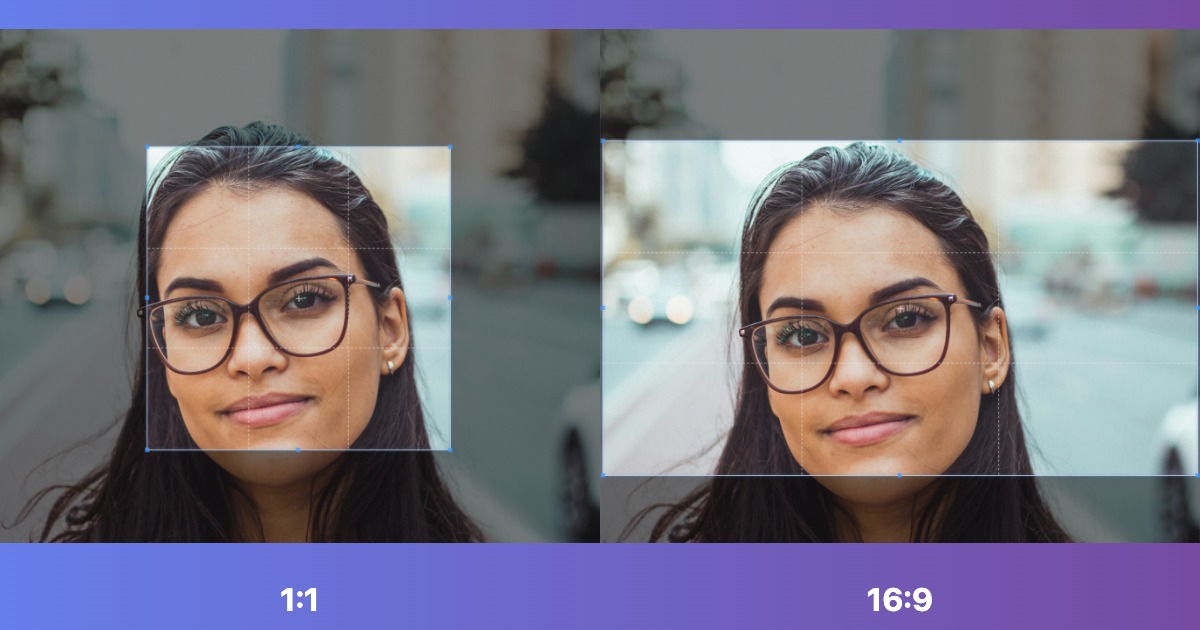
Twitter Banner Size (2024)
Official Dimensions
Recommended Size: 1500 x 500 pixels
Aspect Ratio: 3:1
Maximum File Size: 5 MB
Supported Formats: JPG, PNG, and static GIF
The 1500 x 500 pixel dimension is the sweet spot that displays perfectly across desktop, mobile, and tablet devices without cropping or distortion.
How to Create a Perfect Twitter Banner
- Design or select your banner image (at least 1500px wide)
- Use our Image Resize Tool to adjust to 1500 x 500 pixels
- Choose how to handle the crop:
- Cover: Crop to fill the entire banner area
- Contain: Fit the image with padding (add background color)
- Compress the image with our optimization tool to stay under 5 MB
- Download and upload to Twitter/X
Twitter Banner Safe Zone
Your profile picture, which is circular and 400 x 400 pixels, overlaps the bottom left corner of your banner on desktop. To keep important elements visible:
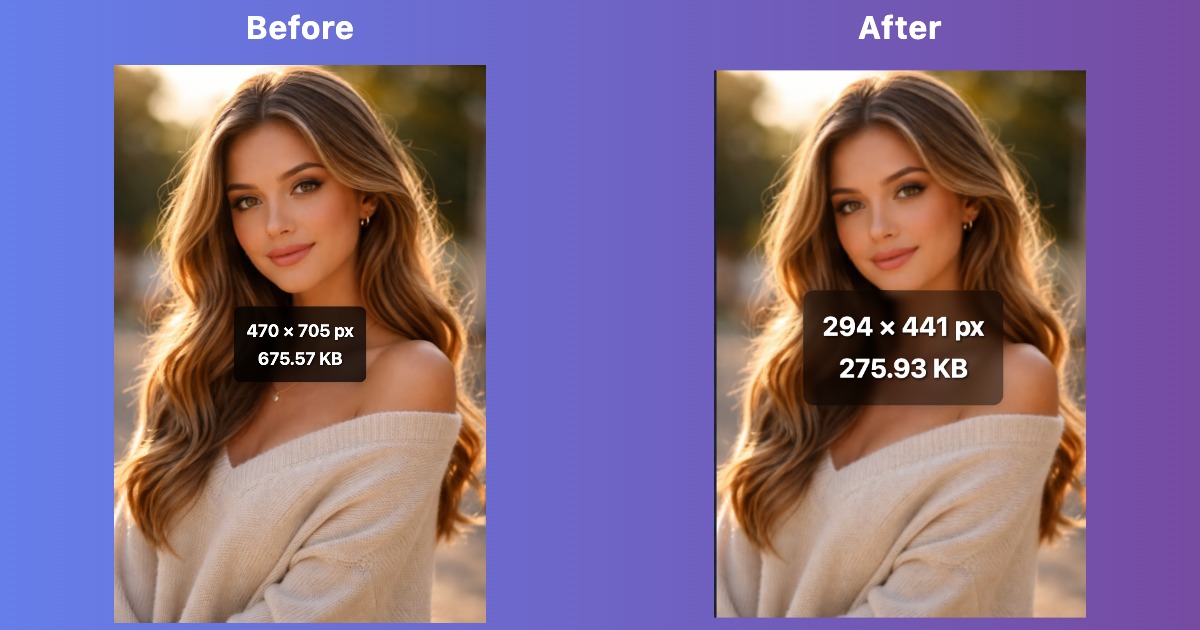
Safe Zone Guidelines
- Left side: Keep key elements away from the bottom left 400 x 400 pixel area
- Edges: Leave 50 to 100 pixels of margin on all sides for safety
- Text: Place important text in the center or right side of the banner
- Logo: Position branding in the top right or center area
On mobile devices, the entire banner is visible without overlap, but less vertical space is shown (approximately the center 375px height).
Best Practices for Twitter Banners
Design Tips
- Brand consistency: Use your brand colors, fonts, and visual style
- High contrast: Ensure text is readable against the background
- Simple message: Do not overcrowd the design. Focus on one key message or visual
- Professional quality: Use high resolution images without pixelation
- Call to action: Include a website URL, tagline, or promotional message
Content Ideas
- Personal brand: Professional photo, tagline, and contact info
- Business: Product showcase, brand message, or company values
- Events: Promote upcoming launches, webinars, or conferences
- Seasonal: Update for holidays, seasons, or special occasions
- Minimalist: Simple gradient or pattern with logo and text
Technical Quality
- Use 72 to 150 DPI resolution for web display
- Save as JPG at about 80 to 90% quality for photos, or use PNG for graphics with text
- Optimize file size to load quickly (aim for under 500 KB)
- Test on both desktop and mobile before finalizing
- Avoid animated GIFs (Twitter doesn't support animation in banners)
Twitter Banner vs. Profile Picture
Header Image (Banner)
Size: 1500 x 500 pixels (3:1 ratio)
Purpose: Showcase your brand, message, or personality
Visibility: Displays on your profile page only
Update frequency: Change as often as needed for campaigns or seasons
Profile Picture (Avatar)
Size: 400 x 400 pixels (1:1 ratio)
Purpose: Identify you in tweets and replies
Visibility: Appears everywhere (timeline, replies, retweets)
Update frequency: Keep consistent for brand recognition
Both should work together cohesively to represent your personal or business brand.
How to Upload Your Twitter Banner
- Log in to Twitter (X) on desktop or mobile
- Go to your profile page
- Click "Edit profile" button
- Click the camera icon on the banner area
- Select "Upload photo" from your device
- Position and zoom the image if needed
- Click "Apply" and then "Save"
Twitter will automatically scale your image to fit, but uploading at exactly 1500 x 500 pixels ensures the best quality.
Common Twitter Banner Mistakes
1. Wrong Aspect Ratio
Uploading images that aren't 3:1 ratio (e.g., square or vertical images) results in awkward cropping or stretching. Always resize to 1500 x 500 first.
2. Text in the Profile Picture Zone
Placing important text in the bottom left corner gets hidden by your profile picture on desktop. Keep text centered or on the right side.
3. Low Resolution Images
Uploading images smaller than 1500px wide creates pixelation and looks unprofessional. Always start with source images that have good resolution.
4. File Size Too Large
Files over 5 MB won't upload. Use our image optimizer to compress while maintaining quality.
5. Ignoring Mobile View
Over 80% of Twitter users are on mobile. Test your banner on a phone to ensure it looks good on small screens.
6. Too Much Text
Small text becomes unreadable on mobile devices. Use large, bold fonts and keep messages short and impactful.
Twitter Banner Dimensions for Different Use Cases
Personal Accounts
Focus: Professional headshot, personal tagline, or hobby showcase
Example: Landscape photo with your name and profession overlaid
Business Accounts
Focus: Brand messaging, product images, or company culture
Example: Product lineup with logo and website URL
Event Promotion
Focus: Event details, date, and call to action
Example: Conference banner with registration link and date
Creator/Influencer
Focus: Content themes, social links, or sponsorship info
Example: Collage of content with YouTube, Instagram, TikTok icons
Free Tools for Twitter Banner Design
Resize & Optimize
- Image Resizer: Resize any image to exactly 1500 x 500 pixels
- Image Cropper: Crop and adjust composition before resizing
- Image Optimizer: Compress to stay under 5 MB file size limit
Design Software
- Canva: Free templates specifically for Twitter headers (1500 x 500)
- Adobe Express: Quick banner creation with stock photos and fonts
- Figma: Professional design tool with precise dimension control
- GIMP: Free alternative to Photoshop for advanced editing
Twitter Banner Size Quick Reference
| Specification | Value |
|---|---|
| Recommended dimensions | 1500 x 500 pixels |
| Minimum dimensions | 1500 x 500 pixels (same as recommended) |
| Aspect ratio | 3:1 |
| Maximum file size | 5 MB |
| Supported formats | JPG, PNG, GIF (static only) |
| Safe zone (avoid) | Bottom left 400 x 400 pixels |
| Mobile display height | ~375 pixels (center portion visible) |
When to Update Your Twitter Banner
Keep your profile fresh and relevant by updating your banner:
- Product launches: Promote new offerings or features
- Seasonal events: Holiday themes, summer sales, etc.
- Campaigns: Support causes or awareness campaigns
- Rebranding: New logo, colors, or company direction
- Achievements: Celebrate milestones, awards, or growth
- Events: Conference attendance, webinar hosting, etc.
Regular updates show an active, engaged presence, but don't change so frequently that you lose brand consistency.
Resize Your Twitter Banner Image
Get the right 1500 x 500 dimensions in seconds with our free online tool.
Resize for Twitter